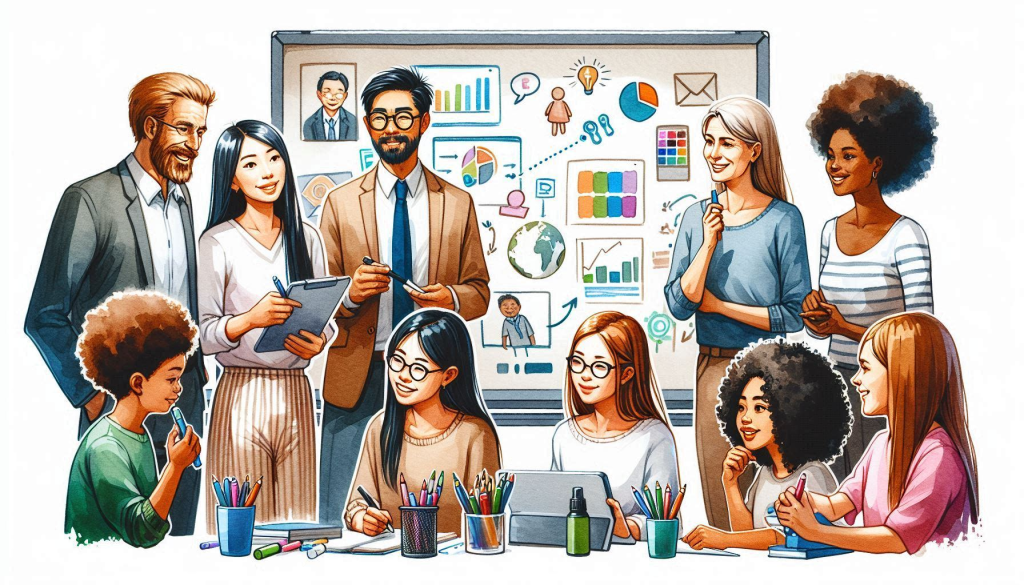
What Would Professional Learning Resources Look Like?
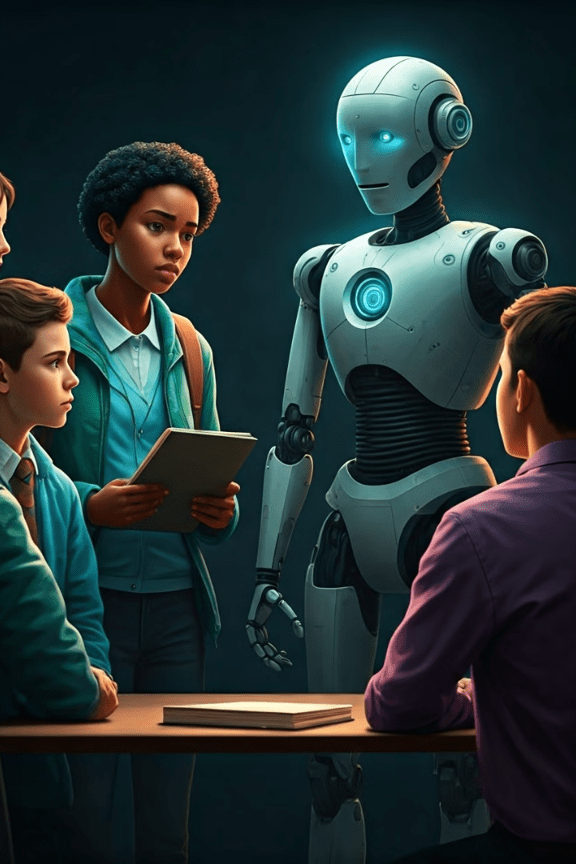
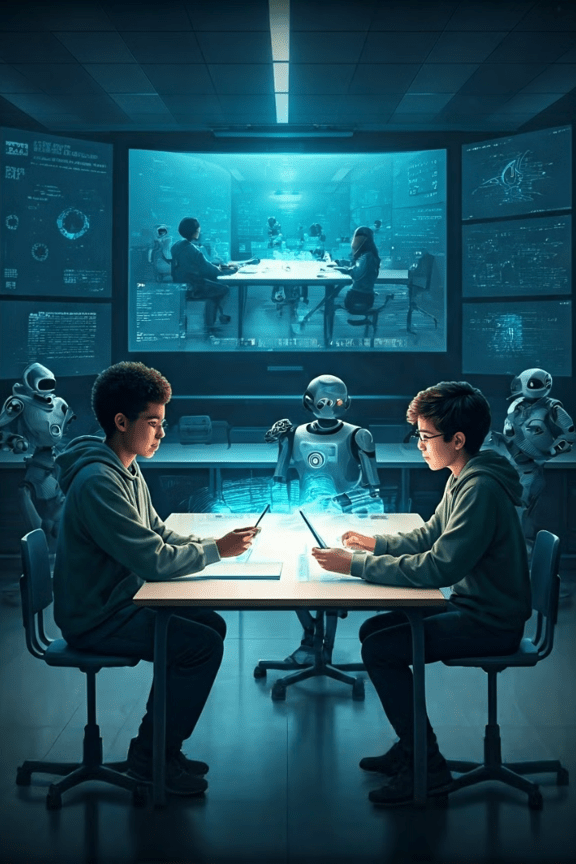
Created by Samara Marin using Microsoft Copilot 2024
When it comes to resource creation for this alternative professional learning course, COVA is at the center of it. So, aside from the initial introduction to the materials and the coaching from key personnel mentioned in the enhancing professional learning post, most of what comes out of this professional learning will be created by the educators at each campus. However, to steer those educators in the right direction, they must first be introduced to what AI in education will look like. Therefore, the initial PowerPoint presentation can be found below and will be shown to all schools in the district. This is just a rough PowerPoint, as the idea is that the initial introduction to the concept will be created as a collaboration amongst the key personnel at each campus.
PowerPoint Introduction to AI in the Classroom for Beginners

AI in the Classroom: A Beginner’s Guide
This guide introduces the basics of AI in education, exploring its potential benefits, applications, and challenges.
By: Samara Marin
Understanding AI: What is it and how does it work?
- Text Generation: Generative AI models can create human-like text, such as stories, poems, articles, and summaries.
- Image Generation: AI models can generate images from textual descriptions or prompts, creating realistic or artistic visuals.
- Code Generation: These models assist in writing code by suggesting code snippets, completing functions, or even generating entire programs.
Benefits of AI in Education
- Personalized Learning: AI can tailor learning experiences to individual students’ needs, including their learning styles, pace, and areas of strength and weakness.
- Automated Assessment: AI can provide immediate feedback and suggestions based on students’ work, freeing up teachers to focus on providing personalized support and guidance.
- Enhanced Engagement: AI-powered tools can make learning more interactive and engaging, helping students stay motivated and focused through personalized content and activities.
Potential Applications of AI in the Classroom
- Personalized Learning Platforms: Imagine a platform like Khan Academy, but with AI that analyzes a student’s strengths and weaknesses and recommends specific learning paths, exercises, and videos. AI could suggest different learning strategies based on each student’s preferred learning style and pace.
- Intelligent Tutoring Systems: Instead of a one-size-fits-all approach, AI tutors could provide individualized feedback on students’ writing assignments, identifying areas for improvement and suggesting specific revisions. AI could also create personalized quizzes based on a student’s understanding of specific concepts, adjusting the difficulty level as needed.
- Automated Grading and Feedback: AI tools could automate the grading of multiple-choice tests, providing instant feedback and detailed explanations for incorrect answers. This would free up teachers to focus on more complex assessments and provide personalized feedback on student writing.
- Virtual Assistants: AI assistants could answer common student questions, such as due dates for assignments or links to relevant resources. These assistants could also help students with tasks like scheduling appointments or making notes, freeing up teachers to focus on instruction and student support.
Challenges and Limitations of AI in Education
- Data Bias: AI algorithms can perpetuate existing biases if trained on biased data.
- Privacy Concerns: Collecting and analyzing student data raises privacy concerns that need careful consideration.
- Lack of Human Connection: Overreliance on AI could diminish the importance of human interaction and mentorship.

Preparing Teachers for AI-Powered Classrooms
- Training and Development: Teachers need training to understand AI concepts and how to integrate AI tools into their classrooms.
- Professional Learning Communities: Creating communities where teachers can share best practices and learn from each other.
- Open Source and Collaboration: Encouraging collaboration and sharing of AI resources to support teachers’ learning and development.
Ethical Considerations of AI in the Classroom
- Fairness: Ensuring that AI tools do not perpetuate existing biases or create new ones.
- Privacy: Protecting student data and ensuring responsible collection and use of information.
- Transparency: Making AI algorithms and decisions transparent and understandable for all stakeholders.
- Accountability: Establishing clear responsibility for the development, use, and impact of AI in education.
Conclusion and Future Outlook
- Innovation: AI in education is constantly evolving, with new tools and applications emerging.
- Partnership: Collaboration between educators, technologists, and researchers is crucial for responsible AI integration.
- Personalized Learning: AI has the potential to create personalized learning experiences tailored to each student’s needs.
- Equity: AI can help address inequities in education, providing access to quality learning opportunities.
This draft was created by a single individual. Once feedback is received from each campus, the PowerPoint will be enhanced to cater to the specific requirements of each campus. The level of AI utilized by both students and teachers will vary depending on the grade level.
Resources with Embedded AI
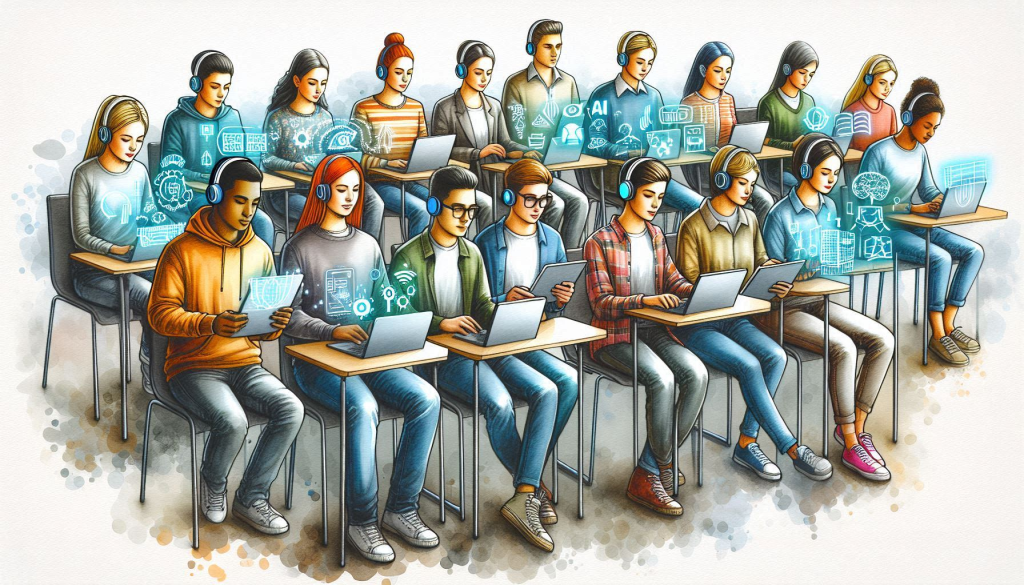
Created by Samara Marin using Microsoft Copilot 2024
Once the initial AI introduction presentation is given to the entire district, specific resources will be shown to each campus in break-out rooms. This will keep the educators engaged by keeping the resources grade-level specific. Our district’s clever portal (shown below) provides various resources to educators. Many of these resources are beginning to add AI to their user interface; however, many educators don’t know how to utilize them in the classroom. By introducing them at the beginning of the year and then having monthly meetings to see how other educators are using them, educators will become more comfortable using these resources.

Many of the AI platforms I recommend to first-time AI users in the educational field are in blog post Using AI Tools For Blended Learning. These tools are either specific to educators or simple to use for first time users, which are perfect for educators who don’t have much time to learn about new tools. Microsoft Copilot specifically is integrated with our districts Microsoft 365 Suite that we already use. The newest AI resource that has been beneficial to our campus is Formative’s AI genterator. A Youtube video from Formative shows a quick lesson below.
As the call to action states, just look for the sparkle ✨ to know if AI is available in an educational resource.

Bringing Collaboration Online
Created by Samara Marin using Microsoft Copilot 2024
The final aspect that can be shown in my alternative professional learning plan is the online collaboration aspect. Our district is unique in that it is expanding from The Golden Triangle to the Houston area in Texas; therefore, we often don’t see many of the educators in our district except for two to three times a year. In order to create a closer-knit district, I am proposing a district TEAMS page to create a forum where educators within the district can share ideas and ask for assistance with problems.

If educators want help from any educator in general, they would be able to post in the general page for everyone to see. This will allow everyone in the district to see their post.

However, if it is specific to their campus, they can also post it to their campus page to recieve feedback from their campus only. This will make it grade-level specific.
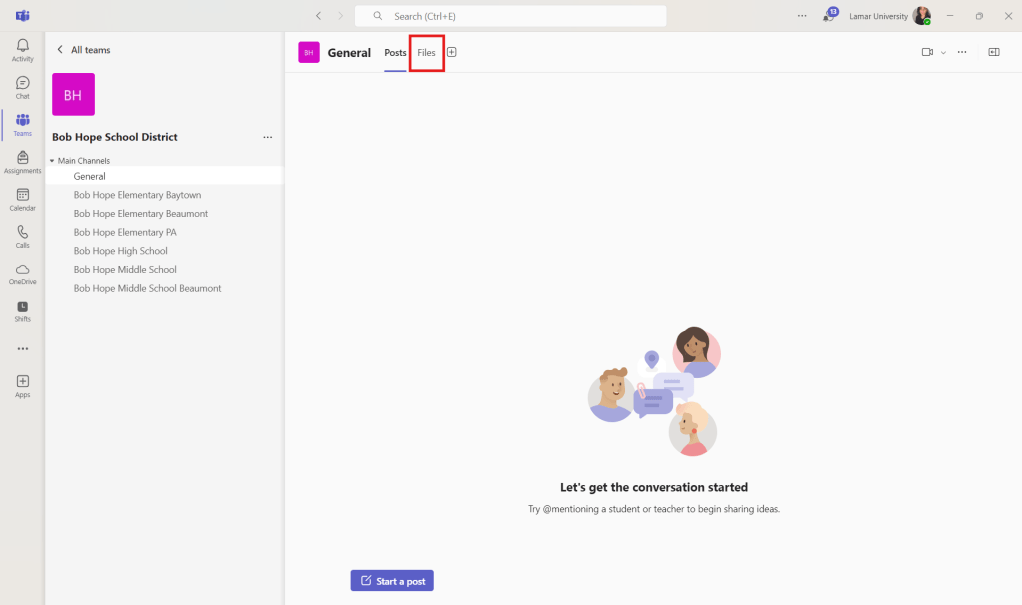
Each channel is also complete with a files tab for easy collaboration on files that educators may need help with.


 Marin's Eportfolio
Leave a comment