
Testing Out a New Way to Learn.
Created by Samara Marin Using Microsoft Copilot 2024
At the beginning of the course creation journey, I wanted to test how well my face-to-face strategies translated to the online sector. On our campus, the grading cycles are split into six weeks, and depending on the subject, there are a set number of units in that time frame. I created a six-week unit for the English IV course as the introduction unit. The entire unit takes place throughout the entire six-week grading period. I planned out six weeks’ worth of assignments and had the students in the three Regular English IV courses complete five weeks of the course. I also had three stakeholders within my district complete a usability test on the course. The three stakeholders were a teacher from my English Department, another STAAR-tested teacher, and the school counselor. I wanted to receive feedback from various sources, and this was the best way I knew how. The video below shows the results of the usability test.
The advantage of involving students in the usability test of the course was the ability to make real-time adjustments to assignments based on their needs and feedback. Their input allowed me to identify what was effective, what needed improvement, and when the pacing was too slow.
Engaging different educators and counselors in the usability test provided diverse perspectives that I might have overlooked due to my own expertise. Collaborating with them helped me identify potential implementation challenges of the course across varying levels of experience with the Microsoft TEAMS platform.

What Did the Course Look Like?
Created by Samara Marin Using Microsoft Copilot 2024
As I started developing this course, I aimed to include familiar elements along with new ones to gauge student adaptability. This year, our district integrated Formative Assessment into our available resources. The combination of Formative Assessment with the Microsoft Teams platform appeared to provide a practical online space for students to finish their assignments. I wanted to use something the students were accustomed to as well as something new to see how well they adapted. This year, our district incorporated Formative Assessment into the various resources at our disposal. The combination, along with the Microsoft TEAMS platform, seemed to create a usable online space for students to complete assignments.

I created a “The Outsiders Novel Study” page on Microsoft Teams for this project. One of the things I like about using Microsoft Teams is that once I create an assignment, I can easily copy it to multiple courses at once. Since I had already completed six weeks’ worth of assignments, all I had to do was wait until it was time to assign the work, and then I could create a new assignment based on an existing one. This feature of Teams made it much easier to implement the assignments across all the courses.
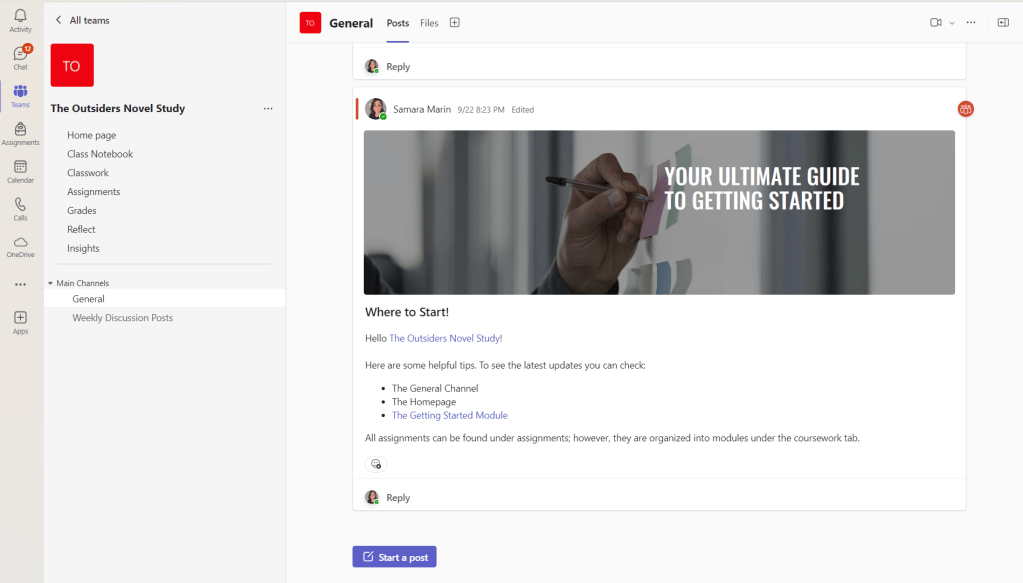
Once students click on the TEAMS page, they are immediately brought to the “General” announcements channel. So, I posted an announcement for students to know where they could find resources.
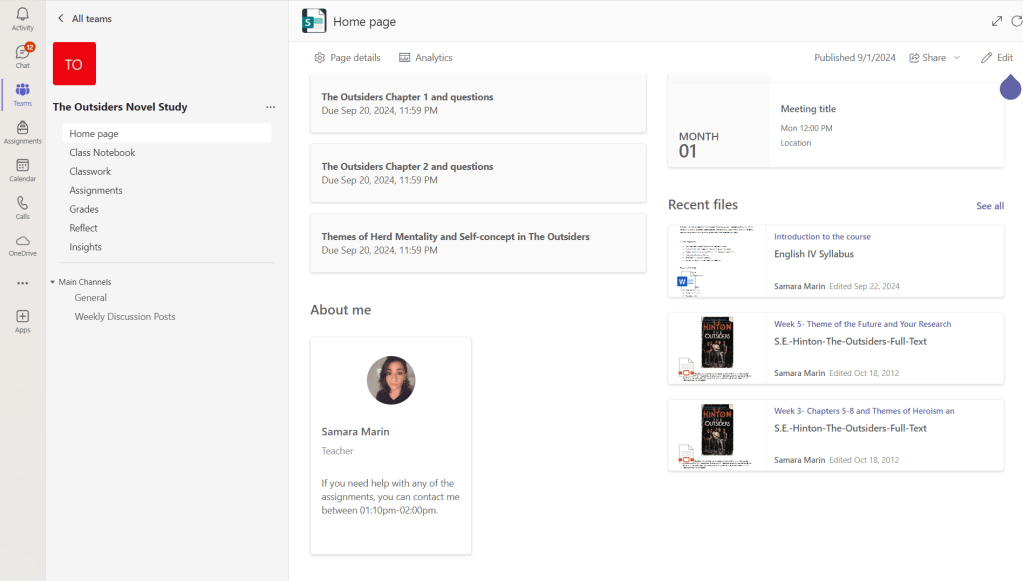

The homepage lets students know what the latest changes are to the TEAMS page. For example, did the instructor upload any assignments or files to the TEAMS page?
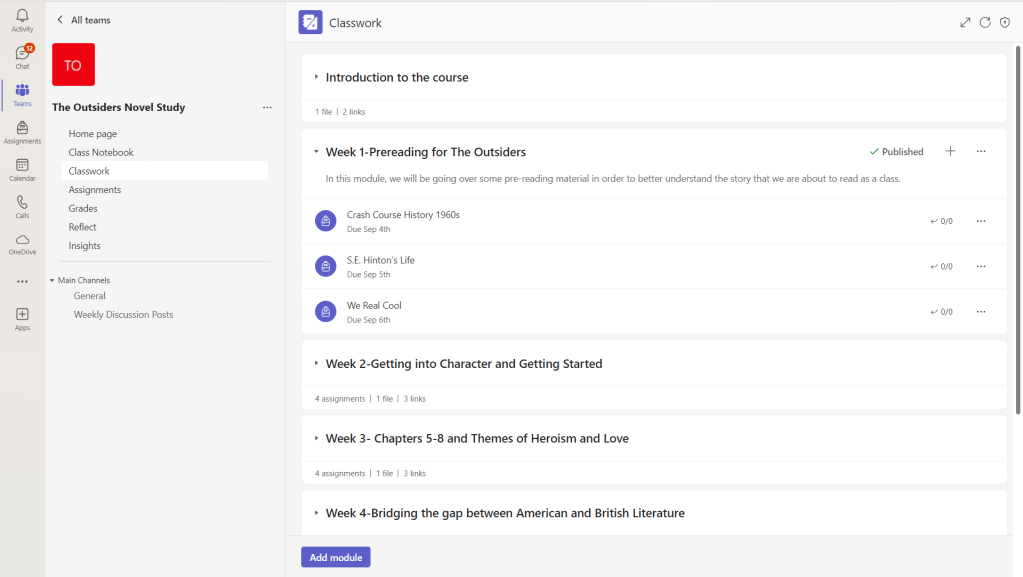
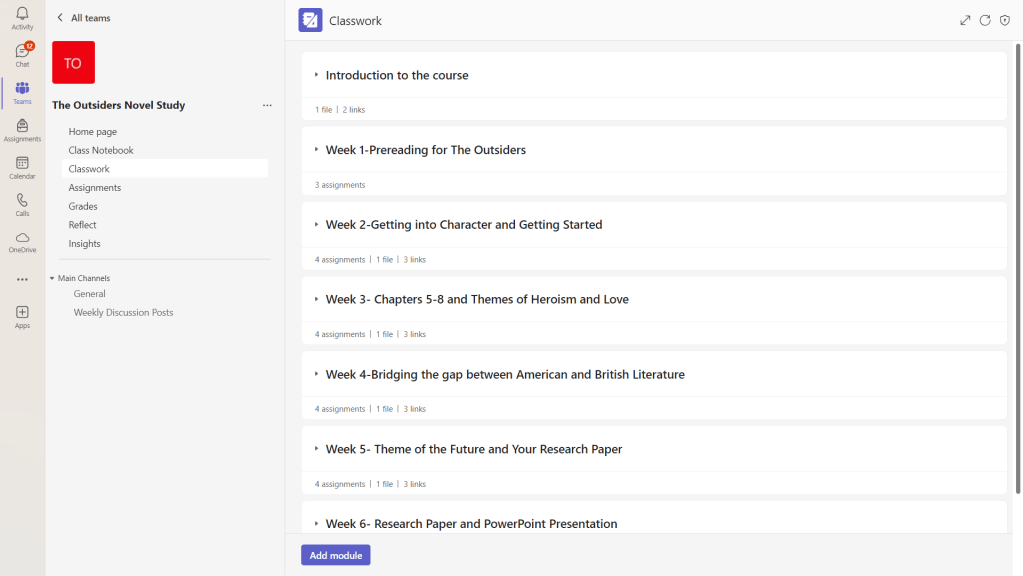
The classwork pages organize the assignments into different modules for the students to follow along with. This page shows students the number of assignments, files, and videos in each module.
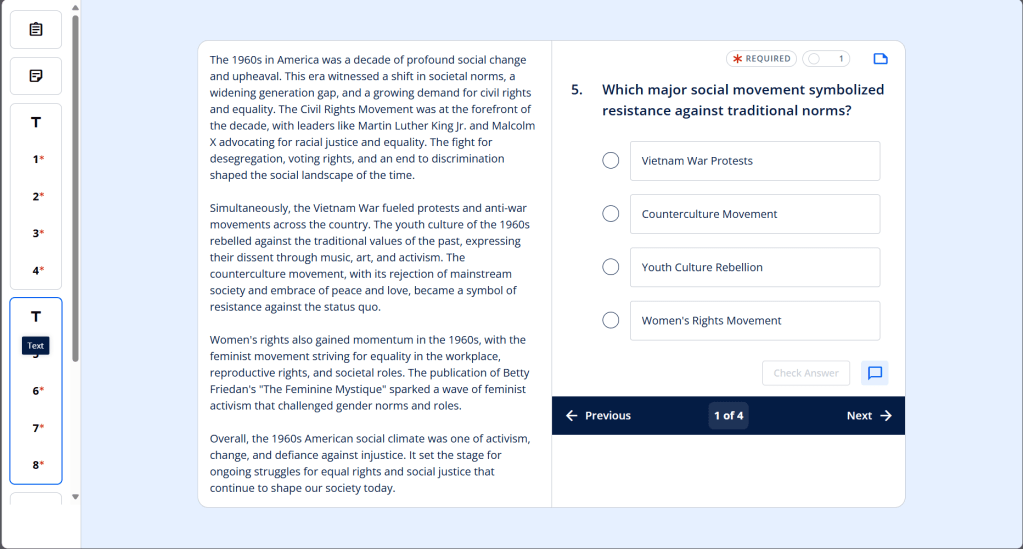

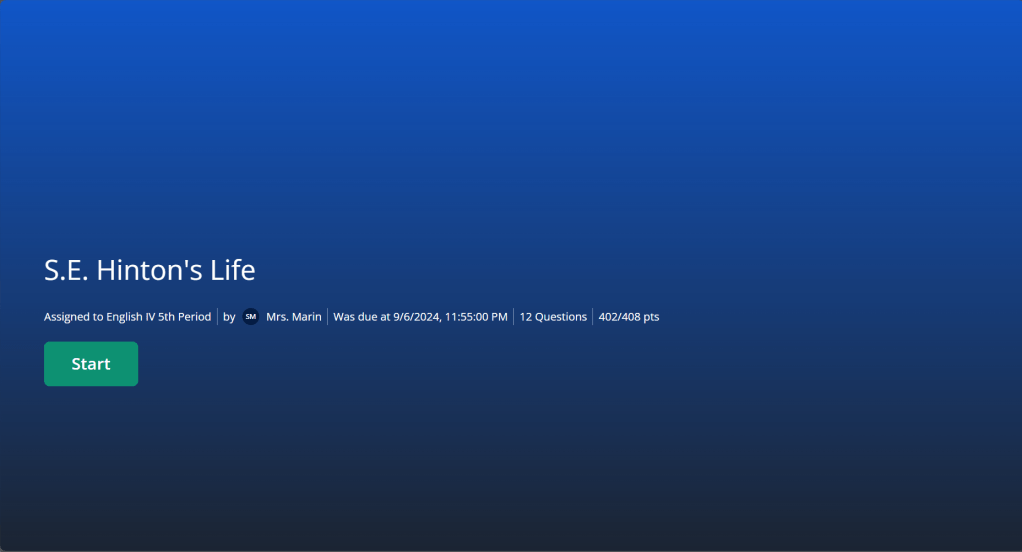
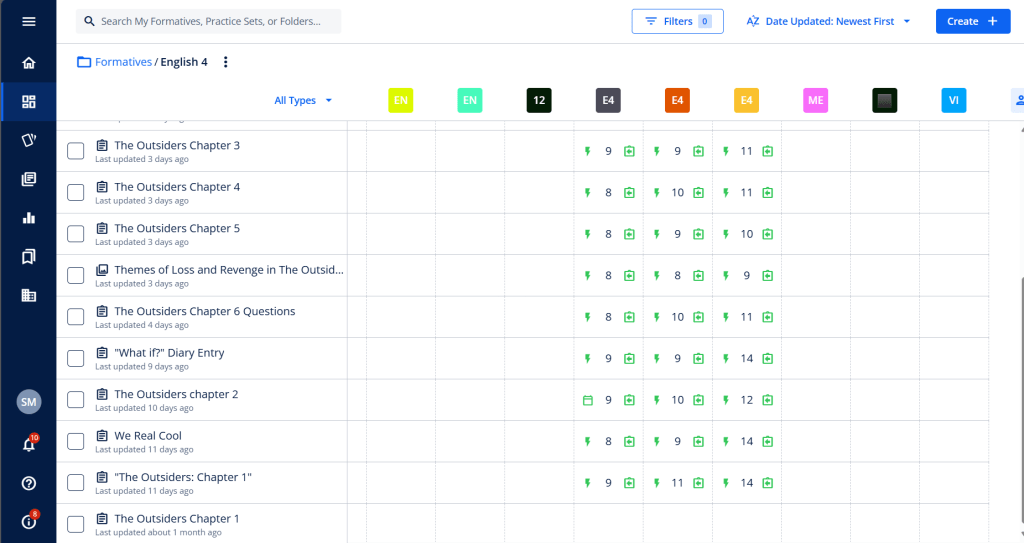

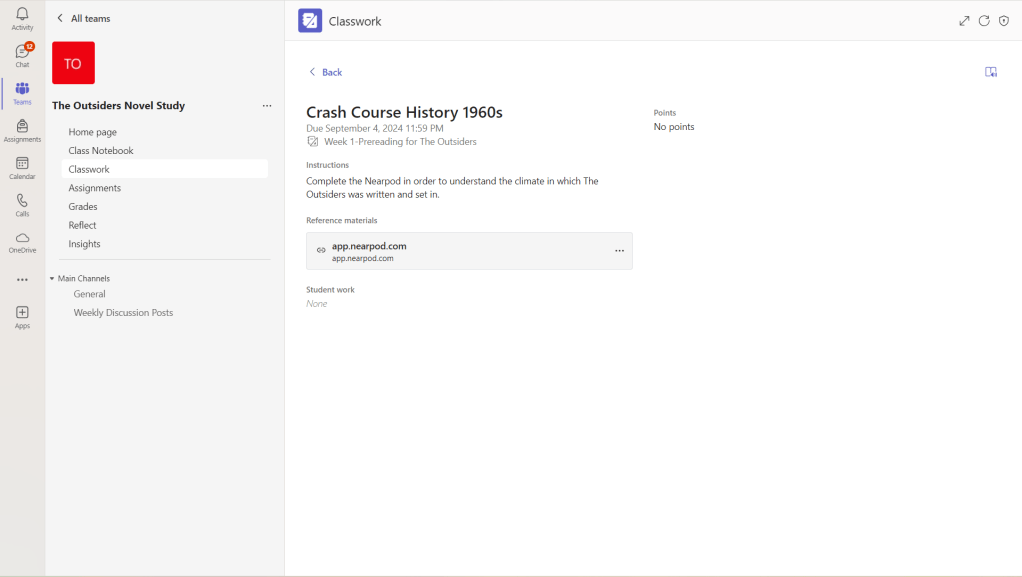
The assignments could be on the TEAMS page, the discussion boards, or in any of the various resources the district provides educators.
If the assignments are on any of the other resources the school provides, the teacher can either embed them or add a link to them.
The full implementation of the course, including a video to follow along with, can be found in the blog post below.

Adapting Face-to-Face Teaching for Online Success
Samara Marin’s online course integrates face-to-face teaching techniques to address…
Keep reading
What Does the Design Look Like?
Created by Samara Marin Using Microsoft Copilot 2024
There needs to be a planning phase before any course can go from face-to-face to online. Just like I would use background design in the classroom, I used backward design on this webpage. This will show the outcome, what the course assignments were intended to look like before students began going through them, and finally, the planning phase. When it came to planning, I used three tasks to create the course:
- What outcome did I want to achieve? What was I trying to fix?
- Fink’s Three column table
- The weekly outline of what assignments would look like when created and the reasoning behind each assignment
You can read the planning process for this online course in its entirety in the blog post below.

Online Novel Study: Fink’s Three-Column Table for English IV Course
This online novel study design integrates Fink’s Three-Column Table, fostering…
Keep reading

References
Created by Samara Marin Using Microsoft Copilot 2024
Bates, A.W. (2019). Teaching in a Digital Age: Guidelines for designing teaching and learning. https://opentextbc.ca/teachinginadigitalage/ Videos from this post are also required viewing in the Discussion section.
Harapnuik. D. (2021). Assessment Of/For/As learning. https://www.harapnuik.org/?page_id=8900
Backward course design (n.d.) https://teaching.uwo.ca/curriculum/coursedesign/backward-design.html
Finks Taxonomy & 3 Column Table Resources – https://drive.google.com/drive/folders/1gMqxX2SEtWmnQ37m4UxWUcWxy0w87rWj?usp=sharing


 Marin's Eportfolio