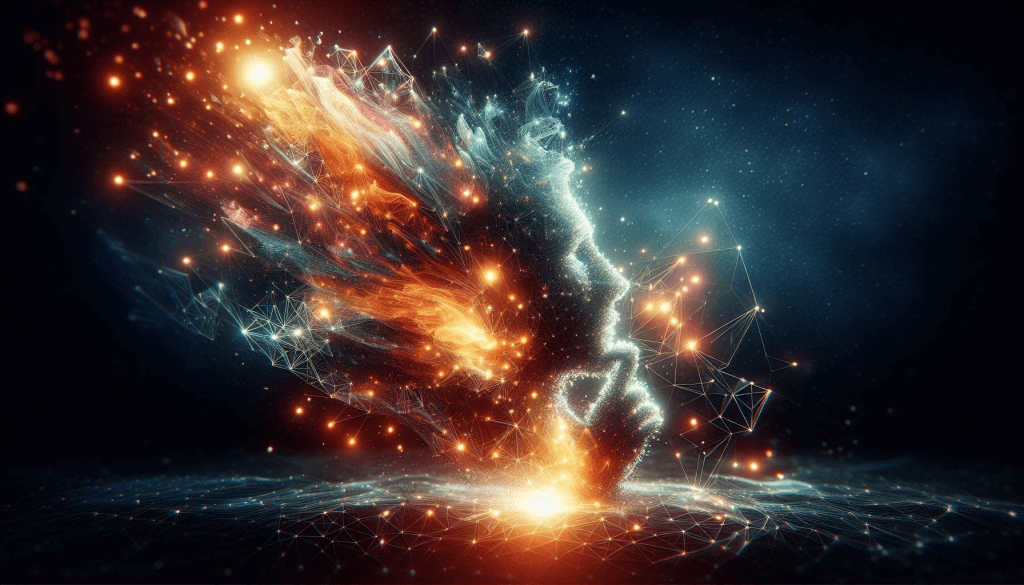
AI’s Role in My Creative Process
Image created by Samara Marin using Copilot 2024
“Artificial intelligence is not a substitute for human intelligence; it is a tool to amplify human creativity and ingenuity.”
– Fei-Fei Li, Co-Director of the Stanford Institute for Human-Centered Artificial Intelligence and IT Professor at the Graduate School of Business
At the beginning of every journey, we know the destination but are unsure of what struggles we will face along the way. When I was creating my first blog post I knew what images I wanted to add in order to add a visual aspect to my post. The problem came when I spent thirty minutes to an hour finding the perfect images to fit my vision for the page. Then I ran into the aspect of can I use the image in my blog, and if so, how do I go about giving the proper credit to the person who created the image?
I was ready to get started on my ePortfolio journey; however, I wanted this ePorfolio to reflect me as accurately as possible. The writing was easy; I had the topic and I had the words needed to write. The missing piece was the images that would tie my message together. Most people who read my posts may never meet me in person, so my posts must be an accurate representation of what I want to say in my mind. How could I fix this problem?
Have you ever had a solution stare at you for days, but it’s so obvious that you don’t see it? Almost as though it is so obvious, the fact that it was an easy solution makes it seem like a trick. That is how I felt when I found my solution. My innovation plan and even one of my blog posts had already discussed my solution, yet I still could not see the simple fix: AI. I wrote about this useful tool, that when used correctly, can make an impact on education. Once I started using AI to create images for my ePortfolio, my posts had a more cohesive look to them because the images came directly from what I was typing about. This is opposed to typing a blog post and then going on a treasure hunt through the internet in hopes I find the perfect image for each section of my blog post.
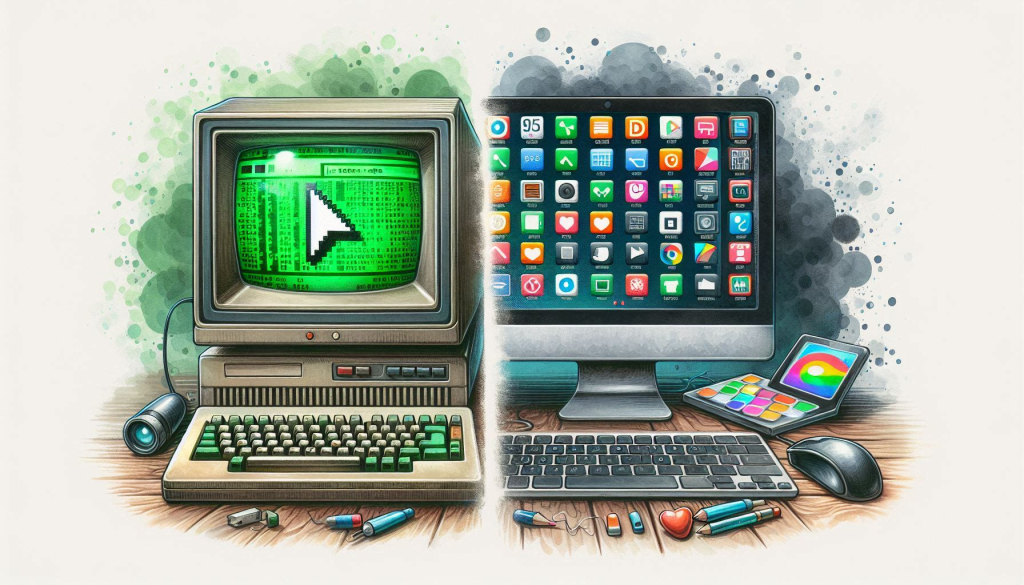
Examples of Subtle Changes
Image created by Samara Marin using Copilot 2024
Most readers may see my older blog posts and not notice the difference in the images. But to me knowing that the images on the post fit the image in my head better makes the posts feel more like my own. Below is an example of my first post, which actually talks about AI and its uses, compared to a newer post.
While I don’t hate the pictures in the original post, the pictures in the more recent post have a more cohesive feel to them.
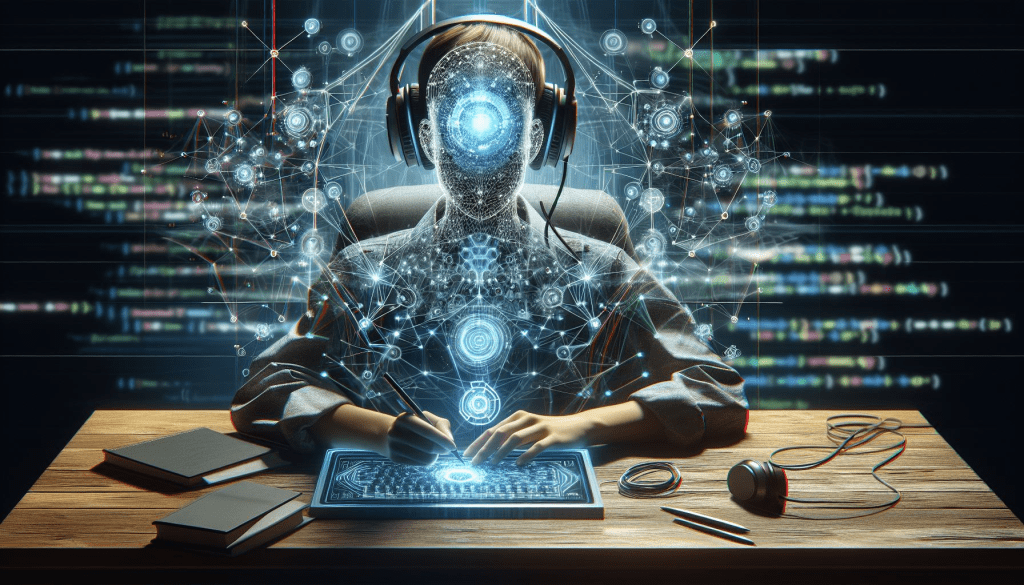
But How did AI Help?
Image created by Samara Marin using Copilot 2024
Have you ever had the perfect image in your head for a lesson, a presentation, or in my case a blog? Did you have trouble finding that image online? Was there a shortage of time to draw that image yourself, or worse are you not the most artistically inclined?
AI helped create the images for my posts to make my posts feel like a reflection of myself. In order to show a better perspective of this, let me give an example of how I could use this tool in the classroom. This feeling translates very well to our students. I know students love to show what they are thinking in visual form just as much as we do. One of my coworkers has a Hunger Games project every year in which students create their own cornucopia, tributes, and animals for the games. Students are tasked to use AI in order to make their creations come to life, and even the students who rarely show interest are asking about how to morph their animals together for the arena.
It could also be used on the teachers side. Take for example the hypothetical situation that I wanted to teach the poem The Raven. If I wanted to create a PowerPoint with the image of a raven in the classroom. After searching google or the free image sites, only images with watermarks or the image below pops up of a “raven in the classroom.”
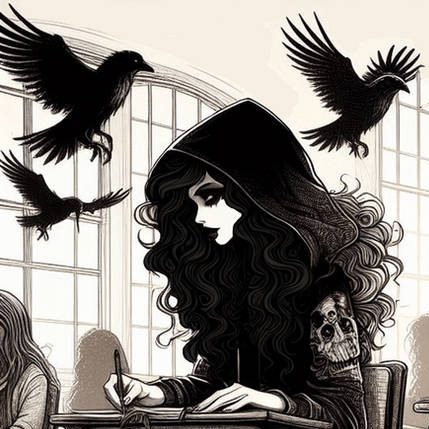
But this image may not be what I looking for. This is when I would use either Adobe Firefly or Microsoft Copilot to create the exact image I am looking for in my head. Simply asking the AI to create an image of a raven in an empty high school classroom, I got the following images.
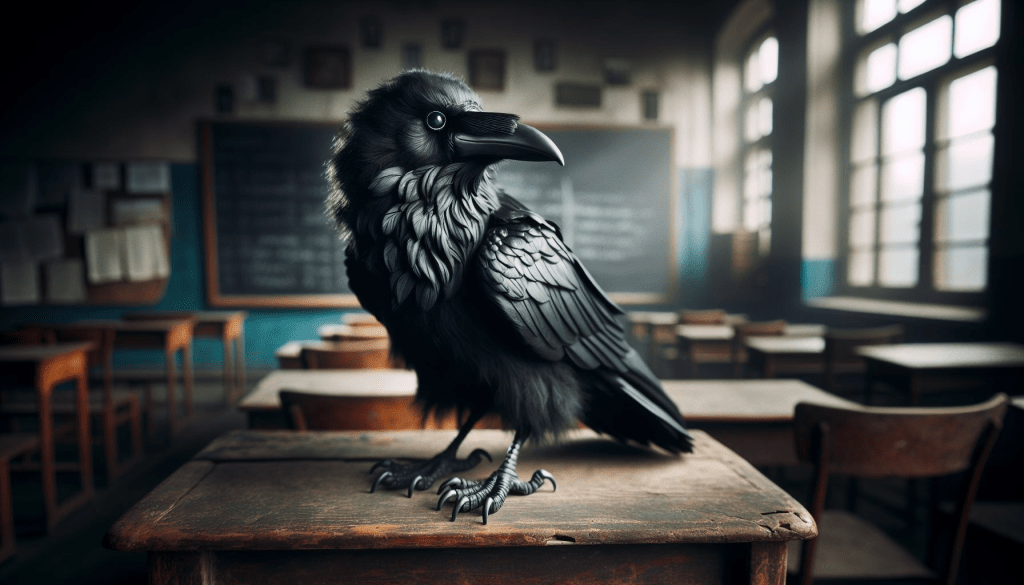
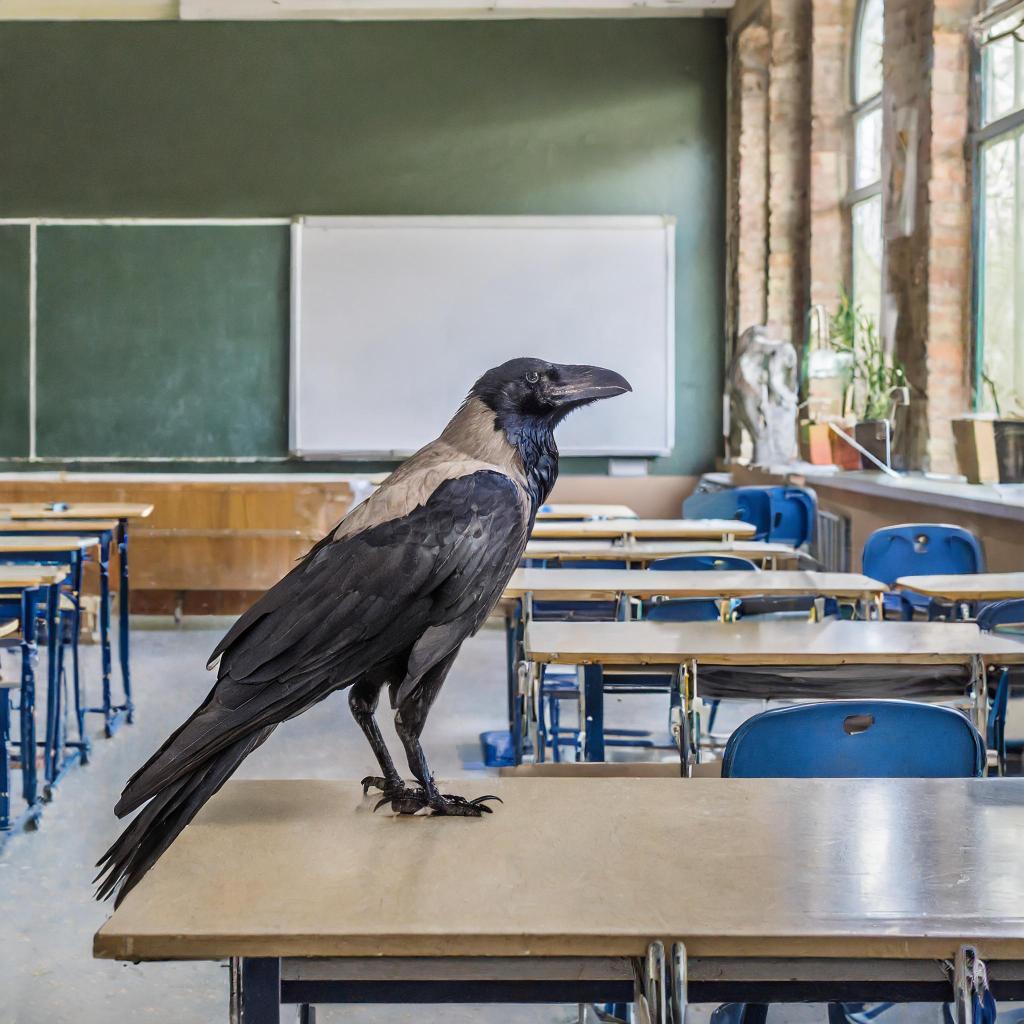
But wait, we are reading Edgar Allan Poe; the raven’s should also be reading in my mind. Also, to add to the artistic feel of the image they would look better with the addition of watercolor effects. So I added two new prompts to the initial request: have the raven read a book and make the image watercolor. These additions created the following images.
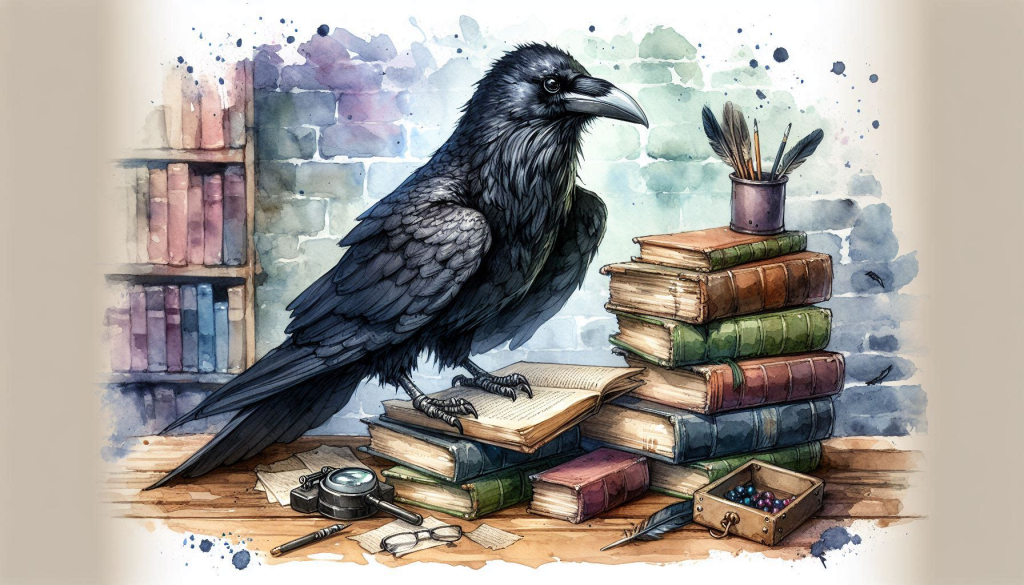
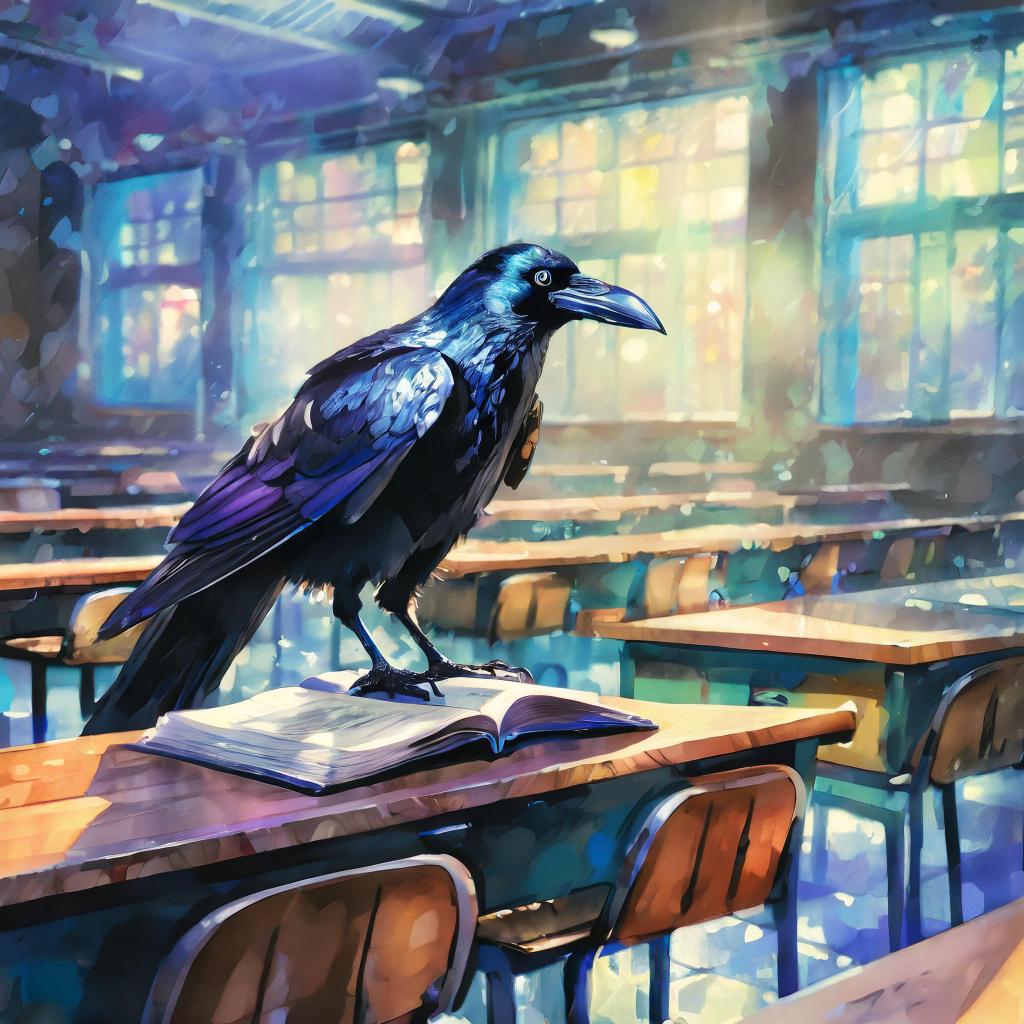
All in All, can a human artist do better? Yes. Does AI take some getting used to and seeing which program works best for your needs? Yes. But, AI is not meant to replace, it is meant to assist. This is just one example of how AI helped make my ePortfolio and lessons feel more like MY ePortfolio. Many who hear AI immediately want to state that it is not beneficial in any, way, or form. But it is not AI itself that is harmful, like anything else, AI is a tool, and if used effectively AI can be a powerfully helpful tool.
Creating images to personalize your projects whether they be personal, work, or school projects is one of the many ways that AI is a beneficial tool. This is just the beginning of my journey to better understand AI and it’s benefits.


 Marin's Eportfolio
Leave a reply to Check-In: How much have I learned? – Marin's Eportfolio Cancel reply